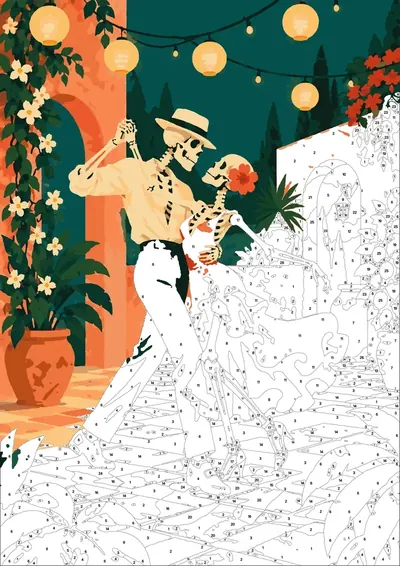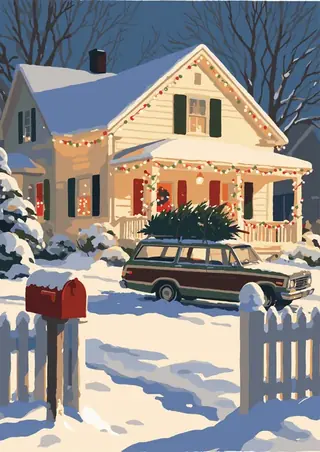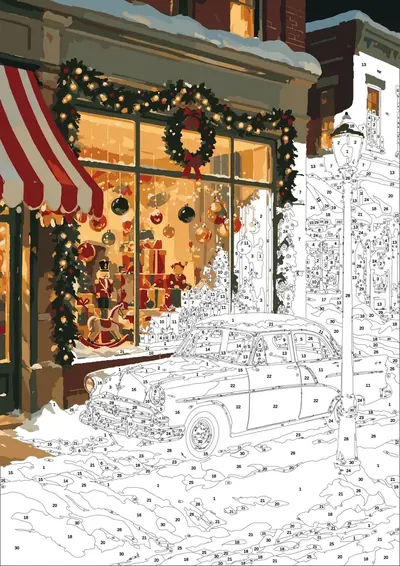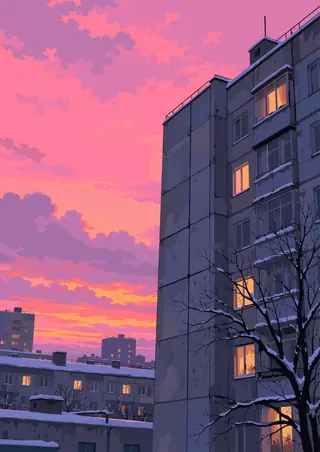
Collection
Enchanted Worlds
- 17 pages
- 30 colors
- .procreate + PDF · PNG · SVG
- iPad · Android · print
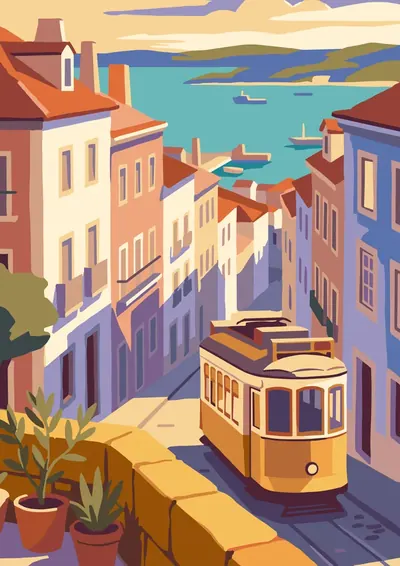
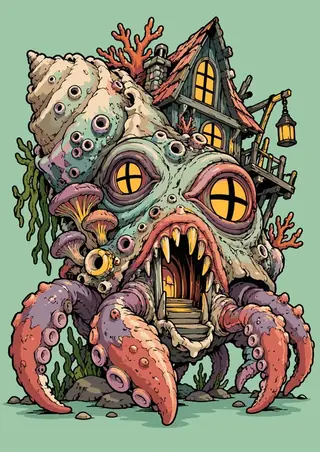
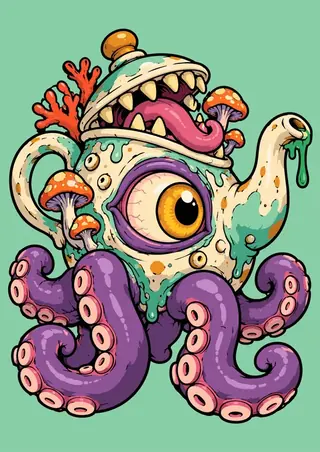
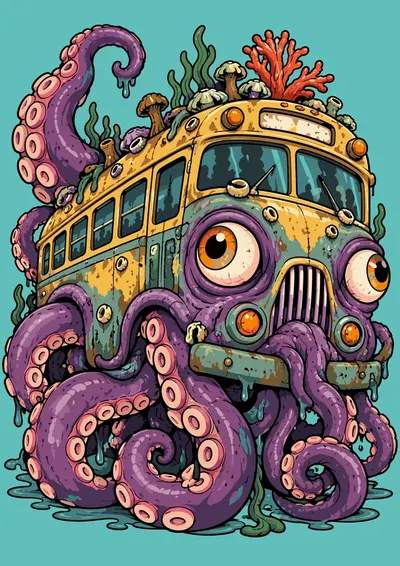
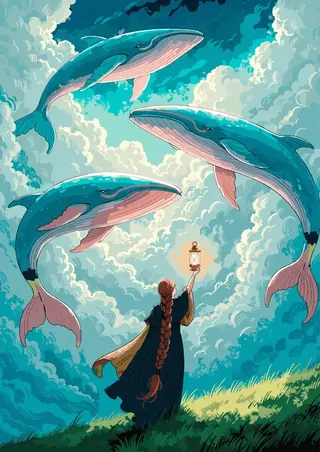
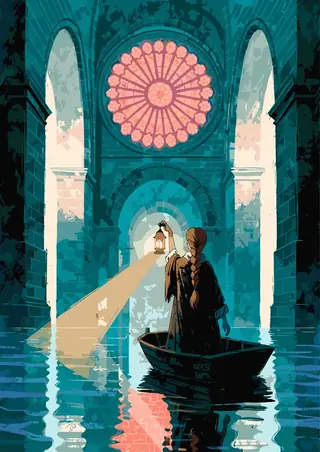
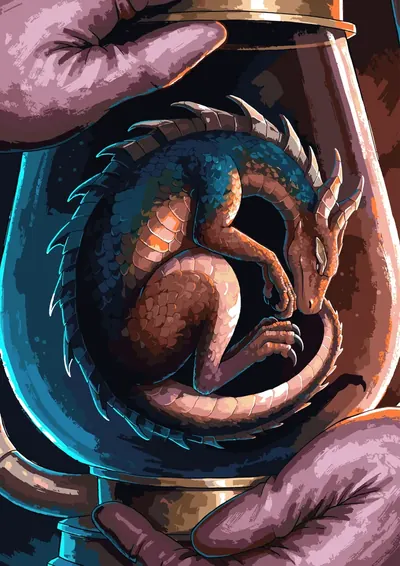
Seventeen impossible places, and one traveller with a lantern walking into every one of them. A dragon curled asleep inside the glass of a lantern. A moon come down to rest on the shore, with a staircase cut into it. Whales swimming through cloud. A river that falls upward between two cliffs. Cold worlds, one warm light.
Instant digital download · checkout on Etsy for now · nothing is shipped
Inside: 17 pages
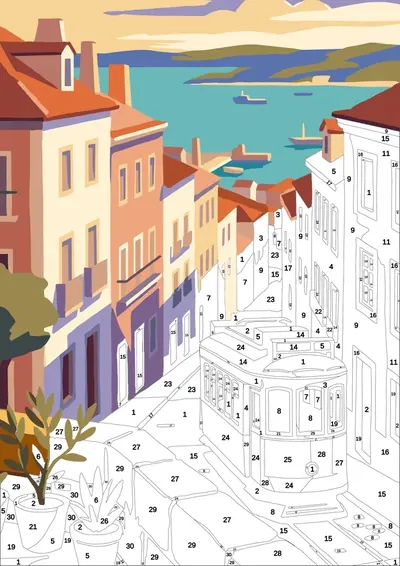
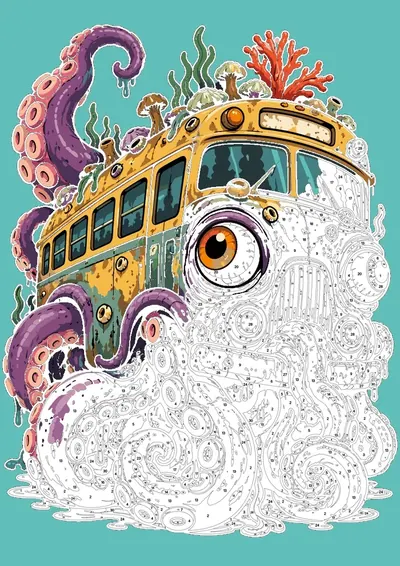
[ 1,330–3,769 numbered regions per page · tap a page to see it bigger ]
-
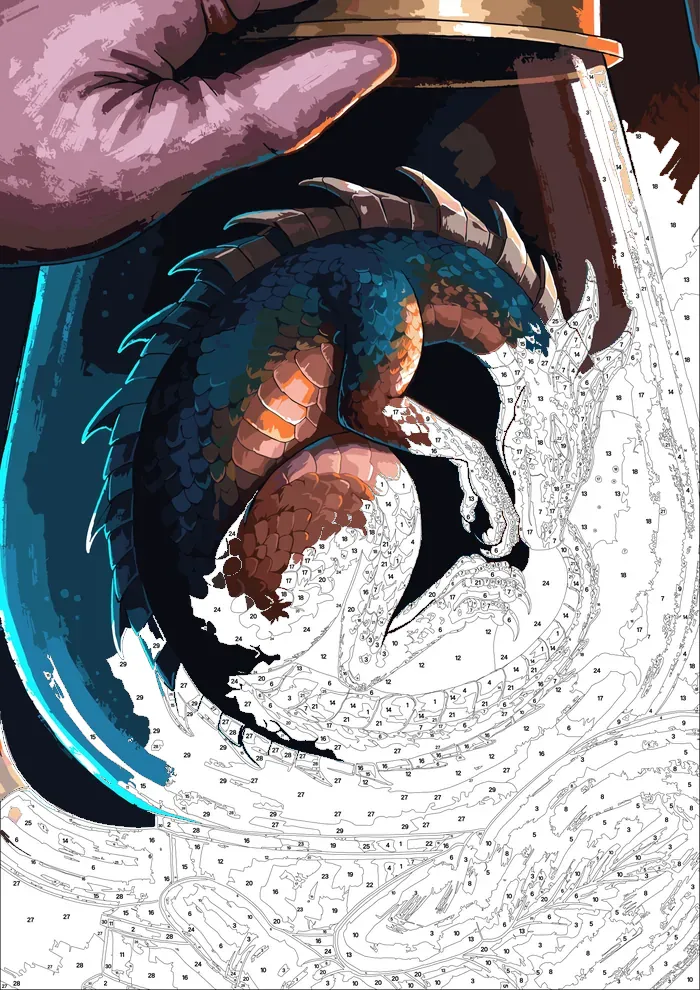
Dragon Lantern
1,673 regions 30 colors Detailed
-
Fallen Moon
3,480 regions 30 colors Expert
-
Sky Whales
1,525 regions 30 colors Detailed
-
Flooded Cathedral
2,083 regions 30 colors Detailed
-
Giant Hand
2,644 regions 30 colors Expert
-
Dragon Hill
1,336 regions 30 colors Detailed
-
River Upward
1,684 regions 30 colors Detailed
-
Door Stair
1,929 regions 30 colors Detailed
-
Turtle Village
3,769 regions 30 colors Expert
-
Frozen City
3,465 regions 30 colors Expert
-
Flying Books
3,264 regions 30 colors Expert
-
Hourglass Desert
2,463 regions 30 colors Detailed
-
Paper Cranes
1,330 regions 30 colors Detailed
-
Floating Islands
2,596 regions 30 colors Expert
-
Lighthouse
1,851 regions 30 colors Detailed
-
Ship Tree
3,049 regions 30 colors Expert
-
Star Garden Bonus
1,746 regions 30 colors Detailed
What's in the file
- 01
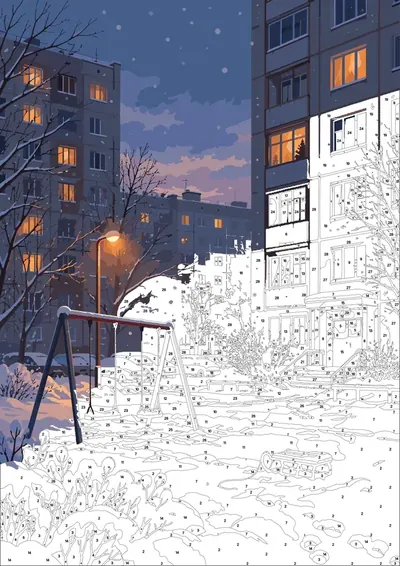
Ready .procreate file
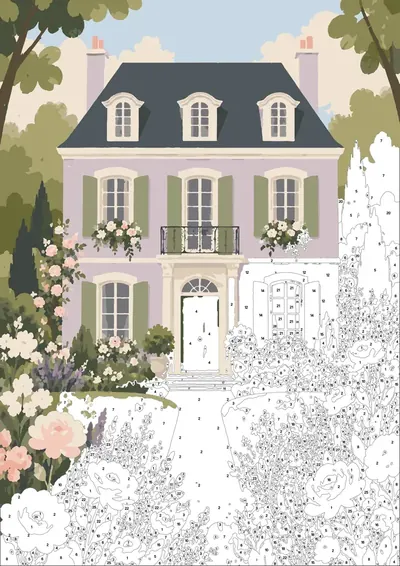
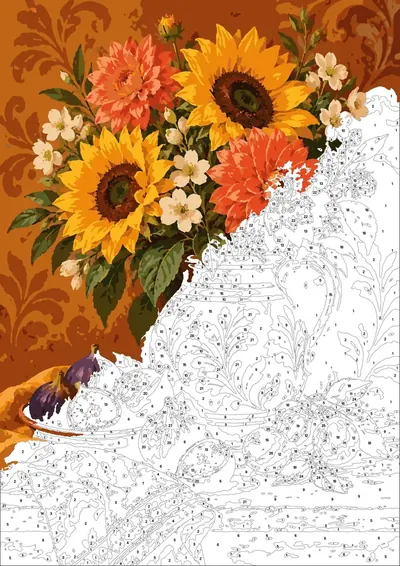
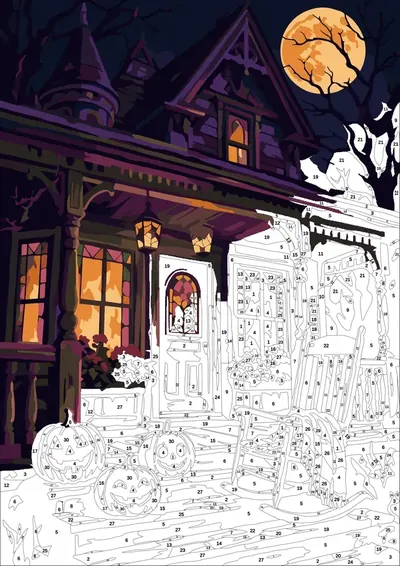
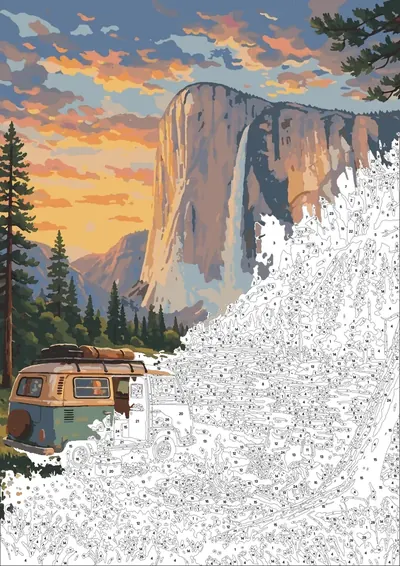
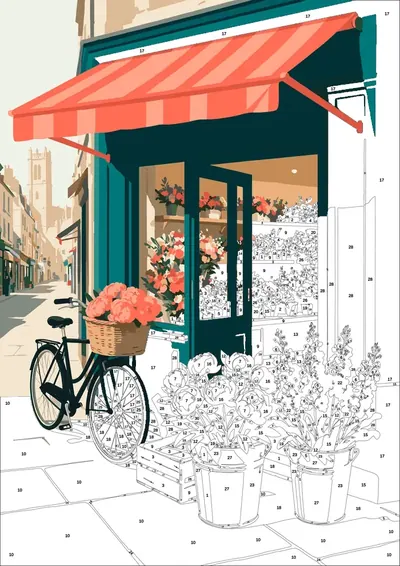
Layers set: the scheme locked on top, a layer to paint on, numbers in red and black.
- 02
Paper texture
A real paper layer on top, so it looks like gouache, not a flat screen.
- 03
Palette in one tap
A numbered .swatches palette — tap once and it's in Procreate.
- 04
Final check layer
A hidden finished picture to compare against when you're done.
- 05
Android & print
No iPad? Open the PNG in ibis Paint X, Infinite Painter or Sketchbook. Or print the PDF — 300 DPI, A4 and US Letter.
How it works
- 1Buy and download — the files arrive instantly.
- 2Tap the .procreate file on your iPad — Procreate opens it with every layer in place. On Android, open the PNG in your drawing app.
- 3Pick a number, pick its colour, paint. Or print the PDF and paint on paper.